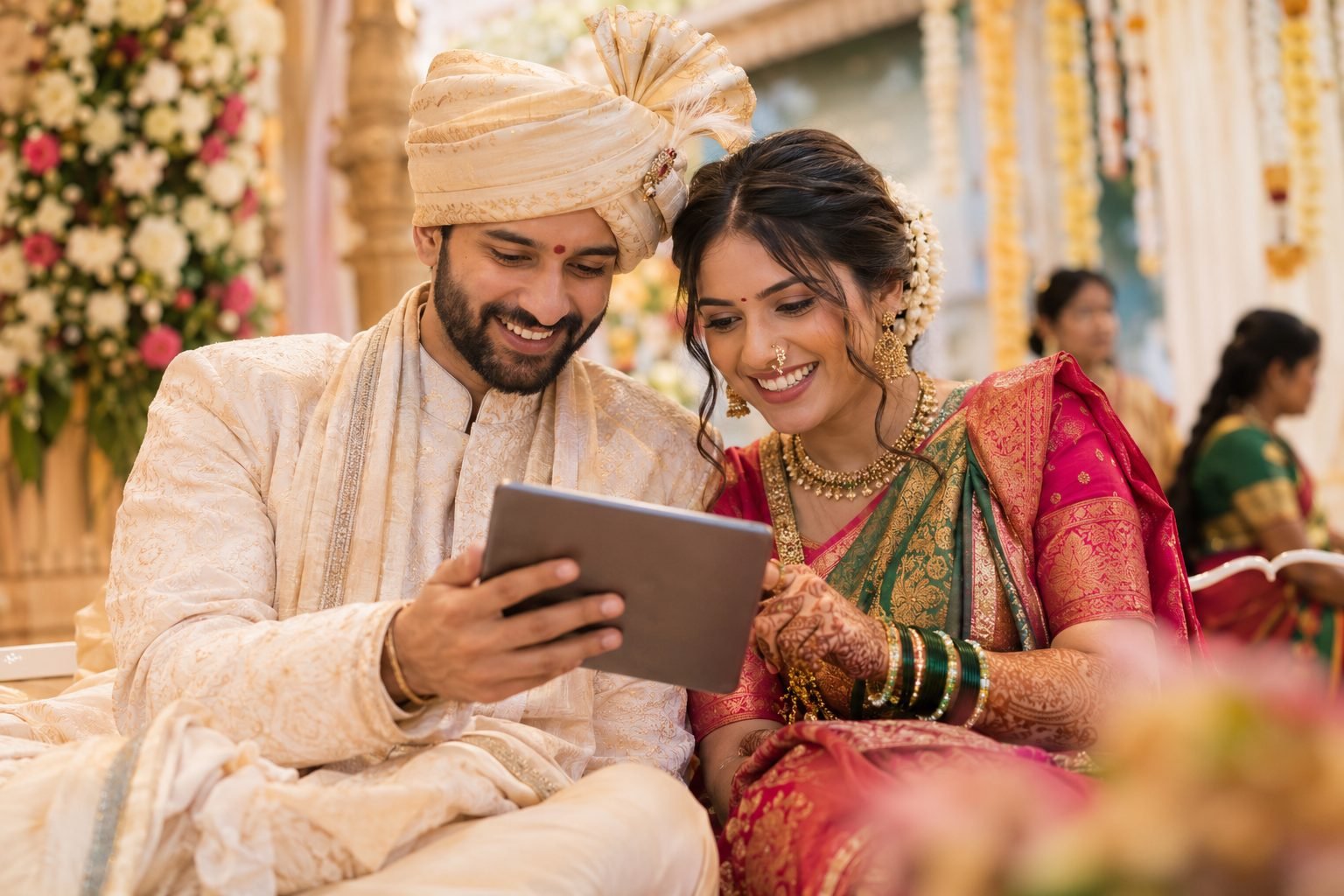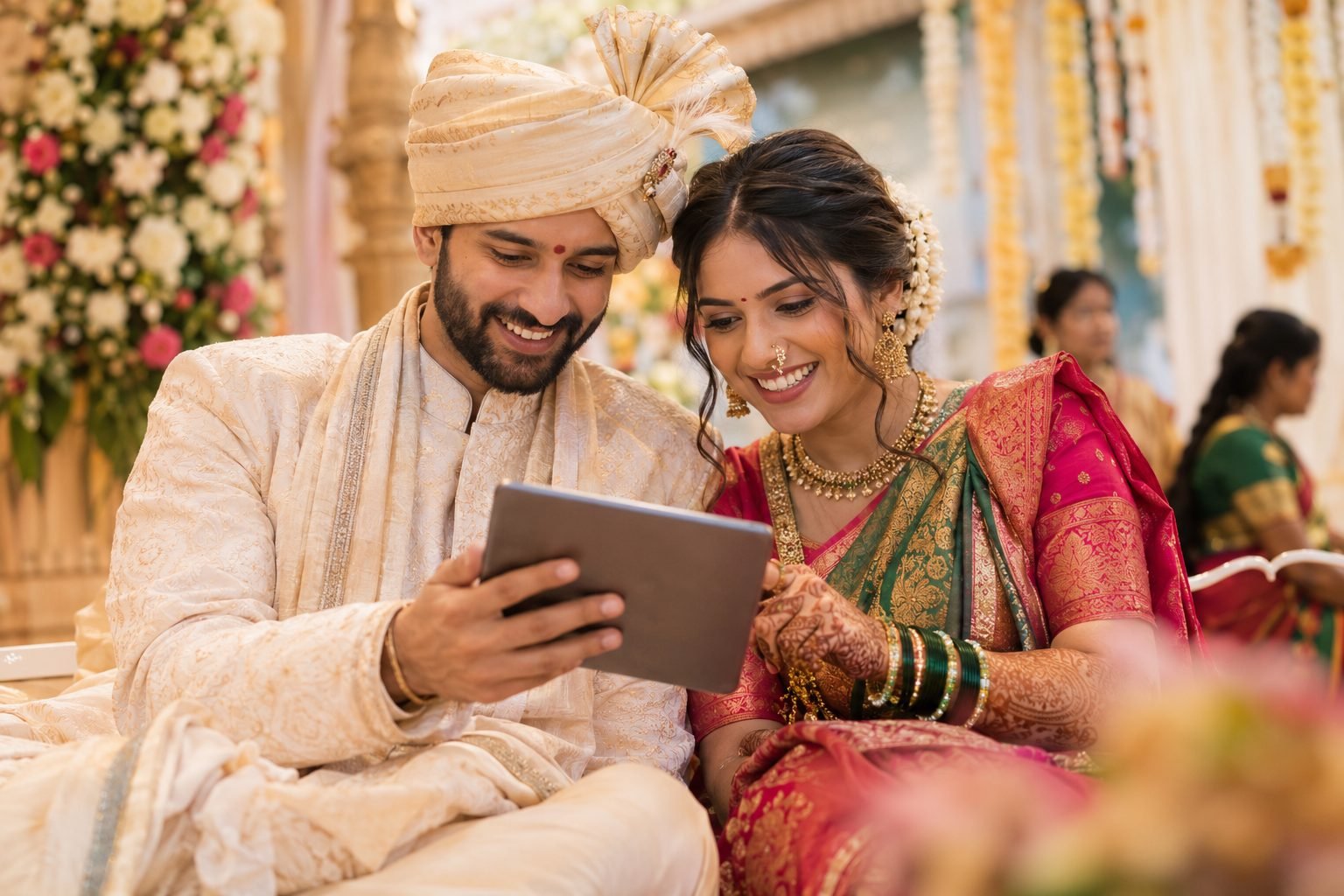
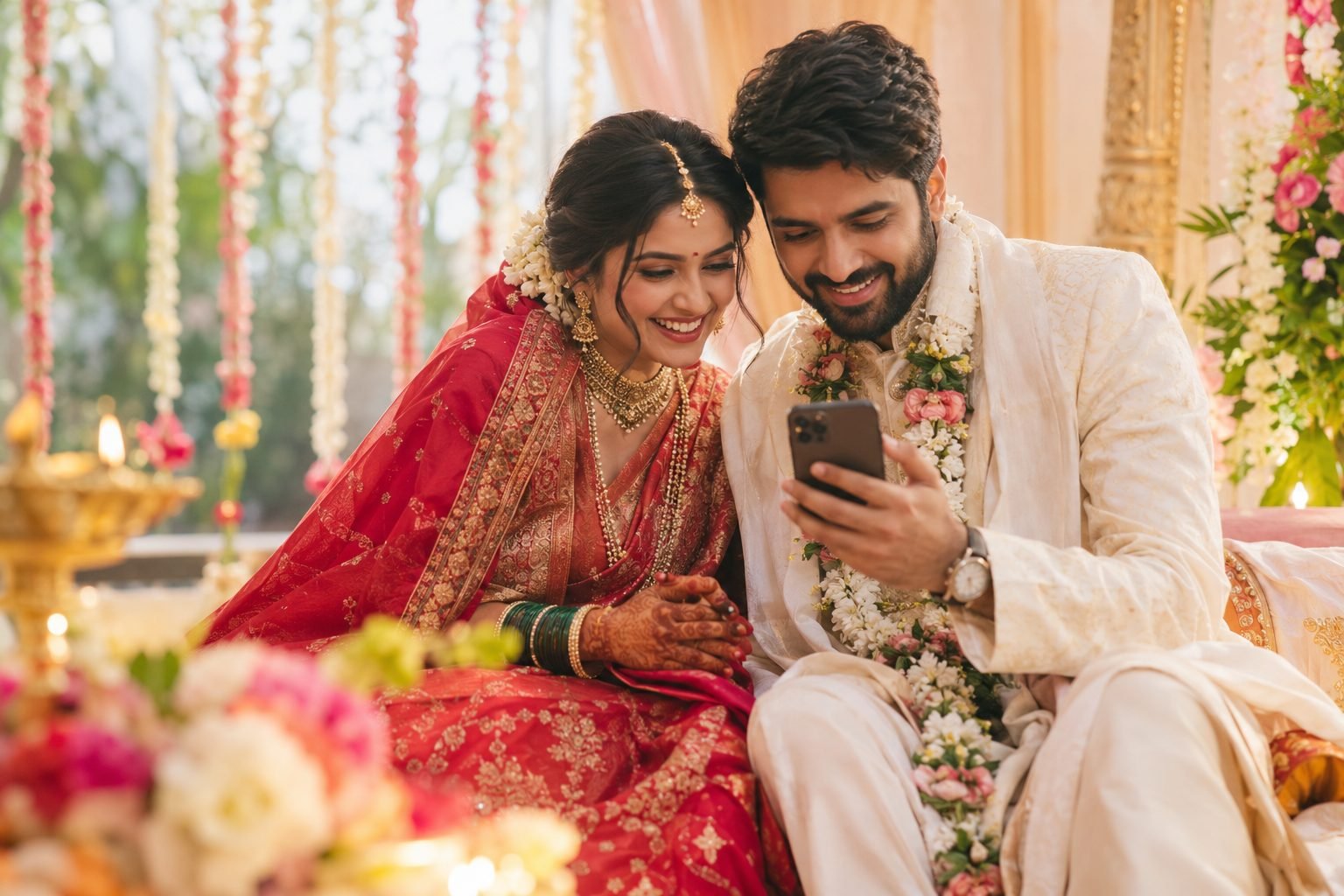
Planning a wedding in India often means balancing beautiful traditions with a practical budget. Between outfits, jewellery, venue arrangements, food and photography, invitation costs can quickly become another expense to manage. The good news is that Affordable Wedding Invitations can still feel personal, elegant and memorable. A thoughtfully designed digital invitation can share your story, communicate every event detail and fit a budget of under ₹500.
You do not need a complicated animation or a dozen design elements to make an invitation special. Start with the feeling you want to create, choose a style that reflects you as a couple, and make the information easy for guests to understand. Here is a practical guide for creating a beautiful digital wedding invitation without overspending.
1. Set a clear budget for Affordable Wedding Invitations
Before choosing colours or browsing designs, decide what your ₹500 budget needs to cover. Are you looking for one invitation for the wedding day, or do you need to share details for the mehendi, haldi, sangeet, reception and wedding ceremony? A little planning helps you compare options fairly and avoid paying for features you will not use.
Make a quick list of your essentials:
- Event details: names, date, time, venue and any dress code or special instructions.
- Language: English, Hindi, Marathi or a combination that feels right for your families.
- Format: a shareable invitation image, a digital card, a short video or a mobile-friendly invitation page.
- Extras: a map link, RSVP contact, multiple event sections, music or a photo of the couple.
Keep the essentials at the centre of the design. If a feature adds cost but does not help guests or make the invitation more meaningful, you can leave it out. Ask what is included in the quoted price before ordering, especially if you need additional event versions, language changes or revisions.
2. Choose a design style that feels personal
A digital invitation looks polished when its visual style matches the couple and the celebration. You do not need to follow every trend. Pick one clear direction and use it consistently across the invitation.
Traditional Indian elegance
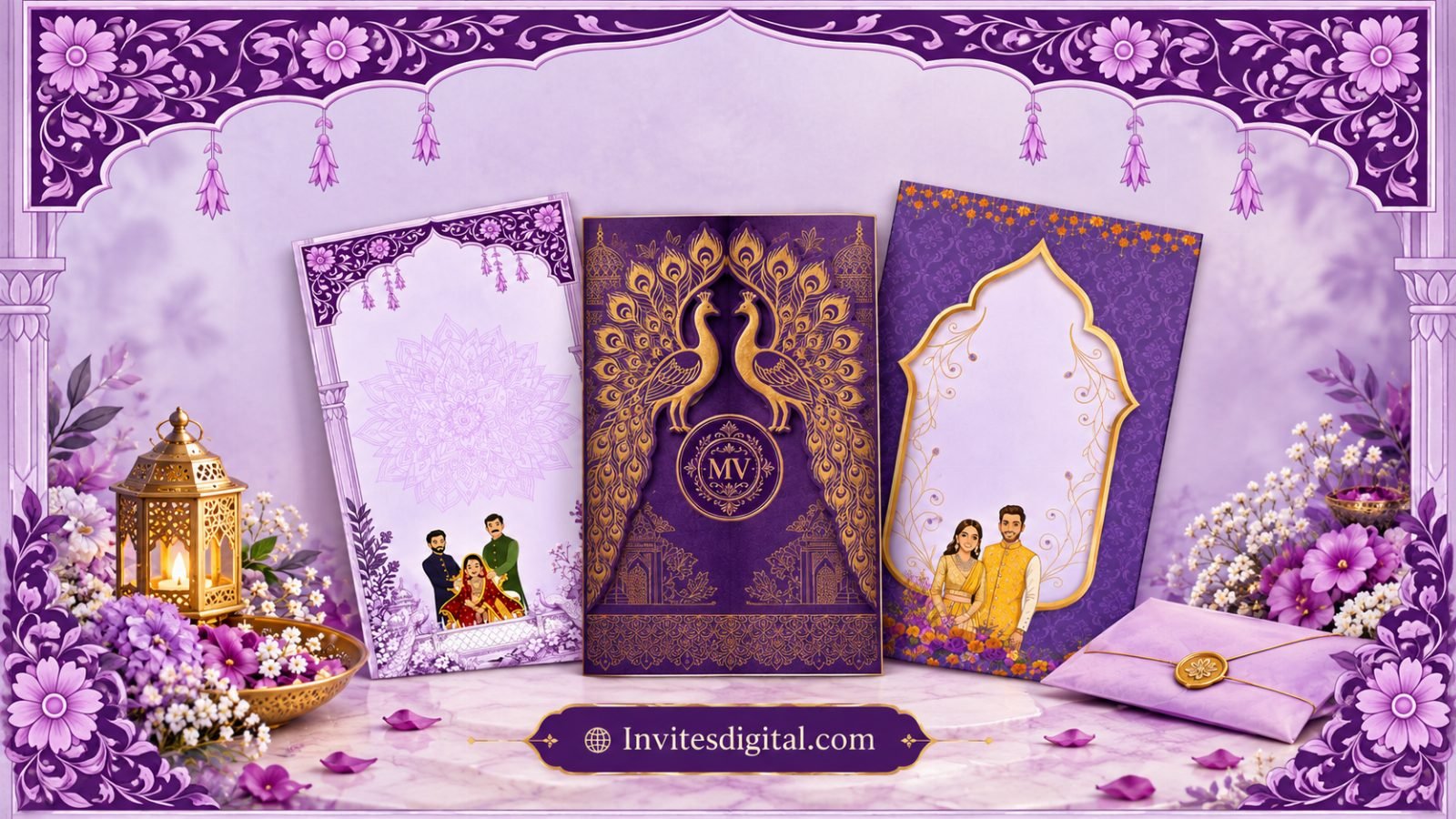
For a Marathi, North Indian, South Indian or other culturally rooted wedding, consider motifs inspired by flowers, paisley, temple architecture, mandap details or a subtle ornamental border. Rich maroon, deep red, ivory and gold can create a festive mood, while regional illustrations or traditional patterns add character. Use cultural details that feel authentic to your family rather than adding symbols simply for decoration.
Minimal and modern
If you prefer a contemporary look, choose a light background, two complementary colours and plenty of breathing room. Elegant typography, a small floral illustration and one strong focal point can be enough. Minimal design is especially helpful when guests will read the invitation on a phone.
Romantic and photo-led
A favourite couple photograph can make the invitation feel intimate. Choose a clear, well-lit image where both people look comfortable, and allow enough empty space for the event details. If you are using a photo, check that the crop works on a small screen and that the text does not cover faces.
Tip: Limit the palette to two or three colours and use no more than two type styles. Consistency usually looks more refined than adding lots of decorative elements.
3. Decide which digital invitation format you need
Different formats suit different celebrations. The best choice is the one that communicates your details clearly and is easy for relatives and friends to open.
- Digital invitation card: A single image is simple to share on WhatsApp and can work well for a straightforward ceremony.
- Animated invitation or short reel: Motion, music and transitions can create a celebratory reveal. Keep the duration comfortable and make sure key details remain on screen long enough to read.
- Mobile-friendly invitation page: A page can organise multiple events, include a map link and provide RSVP information in one place. Confirm whether the quoted price includes hosting and how long the page will remain available.
For a wedding with several functions, a digital page or a well-organised multi-section design may be easier than sending many separate messages. For a single event, a simple card can be entirely sufficient. Ask to see a sample on a mobile screen before approving the final version.
Remember that music and animation are optional. A beautiful invitation does not need sound to feel special, and a static design can be easier for guests with older phones, limited data or accessibility needs. If you choose a video, consider sharing a still image with the essential details as well.
4. Make the invitation easy to read and share
Design is only one part of a successful invitation. Guests should be able to answer the basic questions quickly: who is getting married, when is the event, where should they go and whom should they contact if they have a question?
Use this order as a simple layout guide:
- Names: make the couple’s names the main focus.
- Invitation message: add a short, warm line inviting guests to celebrate with you.
- Date and time: write these clearly, including the day of the week if helpful.
- Venue: include the venue name, area, city and a map link when possible.
- Other functions: list each event with its correct date and time, especially for multi-day celebrations.
- RSVP or contact: provide a number or method guests can use to confirm attendance or ask questions.
Choose readable type and strong contrast between text and background. Script fonts can look lovely for names, but use a simpler font for addresses, dates and longer messages. Avoid placing important text over busy photographs or detailed patterns.
Before sharing, proofread every name, date, time and venue detail with another family member. Confirm the spelling of names in the language you are using, and double-check whether the time is morning or evening. A small error can cause more confusion than a simple design ever will.
5. Keep the quality high while staying under ₹500
A limited budget does not mean you should accept an unclear design or missing information. It means deciding where your money will make the biggest difference. Prioritise a clean layout, accurate details and a format that works reliably on mobile devices.
Ways to manage costs
- Use one main design: keep the same colours, motifs and typography across related functions.
- Prepare details first: send the designer the final names, dates, venue, wording and photos together to reduce avoidable revision rounds.
- Ask about revision limits: check how many edits are included and whether changes after approval cost extra.
- Choose only useful add-ons: include music, extra language versions, separate event cards or custom animation only if you need them.
- Check the final file: ask for the agreed format and test it on your phone before forwarding it to family groups.
If you are comparing invitation providers, look beyond the headline price. Ask what the package includes, how the final invitation will be delivered, whether a mobile-friendly version is available and what happens if a technical issue occurs. A clear scope helps you avoid unexpected costs and last-minute stress.
Do not assume that every digital invitation under ₹500 includes a custom website, unlimited edits, music licensing, hosting or RSVP tracking. These features vary by provider. Confirm the exact inclusions before you pay, and keep a copy of the approved wording and final file.
6. Share your invitation thoughtfully
Once your invitation is ready, send it in a way that makes it easy for guests to respond. WhatsApp is convenient for many families, but avoid forwarding a large video without context. Add a short personal message so guests know who the invitation is from and which event it covers.
For relatives who are less comfortable with digital invitations, offer a little help opening the file or finding the venue details. You can also call close family members personally. A digital invitation should make sharing easier, not make anyone feel left out.
If your invitation includes an RSVP option, explain how and by when guests should respond. Keep the contact method active and check it regularly. If the venue or schedule changes after you have shared the invitation, send a clear update directly rather than relying on guests to notice an edited file.
Finally, keep the final invitation somewhere easy to find so you can resend it when needed. Save the map link and key details separately too. A little organisation will help you spend less time answering repeated questions and more time enjoying the wedding preparations.
Make your budget-friendly invitation feel unforgettable
The most meaningful wedding invitation is not necessarily the most expensive one. It is the one that reflects your relationship, respects your traditions and gives guests the information they need. With a clear budget, a consistent design, readable details and the right digital format, you can create an invitation under ₹500 that feels considered rather than compromised.
Before you finalise your design, review it once as a guest would: open it on your phone, read every detail without zooming in, test the map or RSVP link, and ask someone outside the design process to proofread it. When everything is clear and correct, share it with confidence and enjoy this special step in your wedding journey.